Logitech Tap with CAT5e Kit
Description:
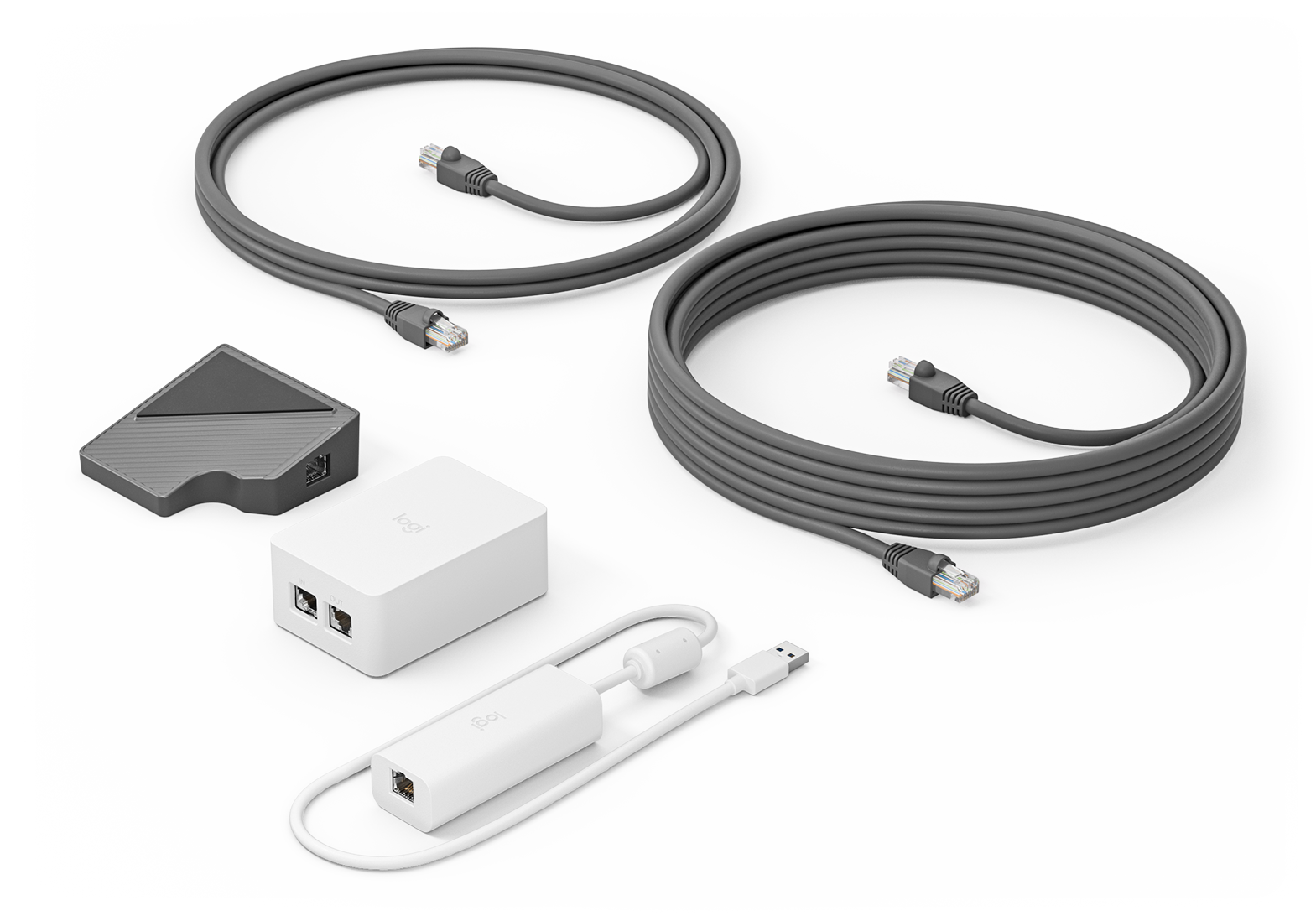
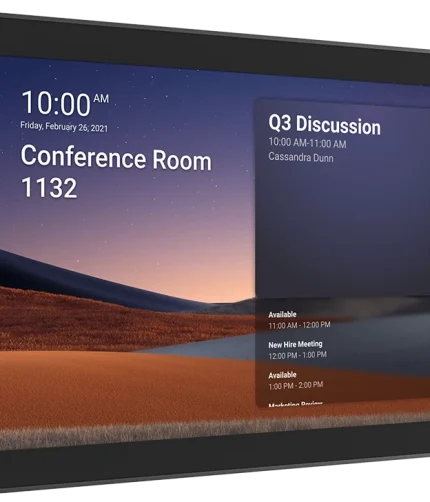
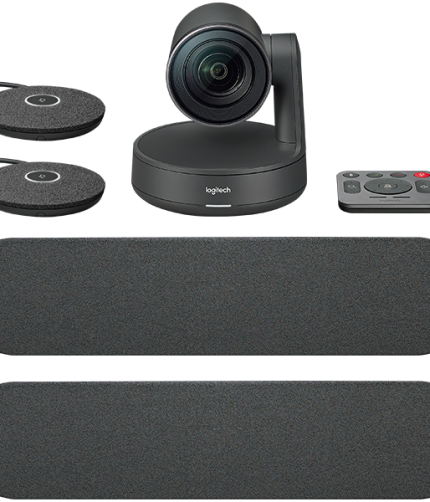
The Logitech Tap with CAT5e Kit is a complete video conferencing solution designed for meeting rooms. It includes the Logitech Tap touch controller and the necessary CAT5e cable to connect it to your network and other conferencing equipment. The Tap controller is a touch-enabled, intuitive interface for controlling and managing meetings, while the CAT5e cable ensures reliable connectivity, enabling the system to work seamlessly in larger or more complex room setups. The Tap with CAT5e Kit is ideal for organizations that need to simplify video conferencing setups and ensure efficient meeting management.
Detailed Specifications:
- Touchscreen: 10.1-inch capacitive touchscreen for easy, responsive control of meetings and video conferencing systems.
- Resolution: 1280 x 800 pixels (HD resolution), providing clear visibility and readability for calendar events, meeting controls, and system settings.
- Connectivity:
- CAT5e Cable: Includes a high-quality CAT5e cable for wired Ethernet connectivity, ensuring robust and stable network connections between the Tap controller and the video conferencing system.
- USB and Ethernet Connectivity: The system connects to video conferencing hardware such as the Logitech Rally Bar, MeetUp, or Rally, allowing centralized control over the meeting room’s video and audio devices.
- Operating System: Android OS, designed for easy integration with video conferencing platforms like Zoom, Microsoft Teams, and Google Meet.
- Mounting Options:
- Wall mountable or can be placed on a table with an optional stand, providing flexibility in meeting room setups.
- Includes mounting hardware for easy installation.
- Power: Power over Ethernet (PoE) support, simplifying the setup by eliminating the need for additional power cables.
- Color: Sleek, black design, complementing Logitech’s other video conferencing equipment.
- Software Integration: Works seamlessly with Logitech’s video conferencing solutions and integrates with major calendar platforms (Google Calendar, Microsoft Office 365, Outlook, etc.) for automatic meeting scheduling and room booking.

Reviews
There are no reviews yet.